
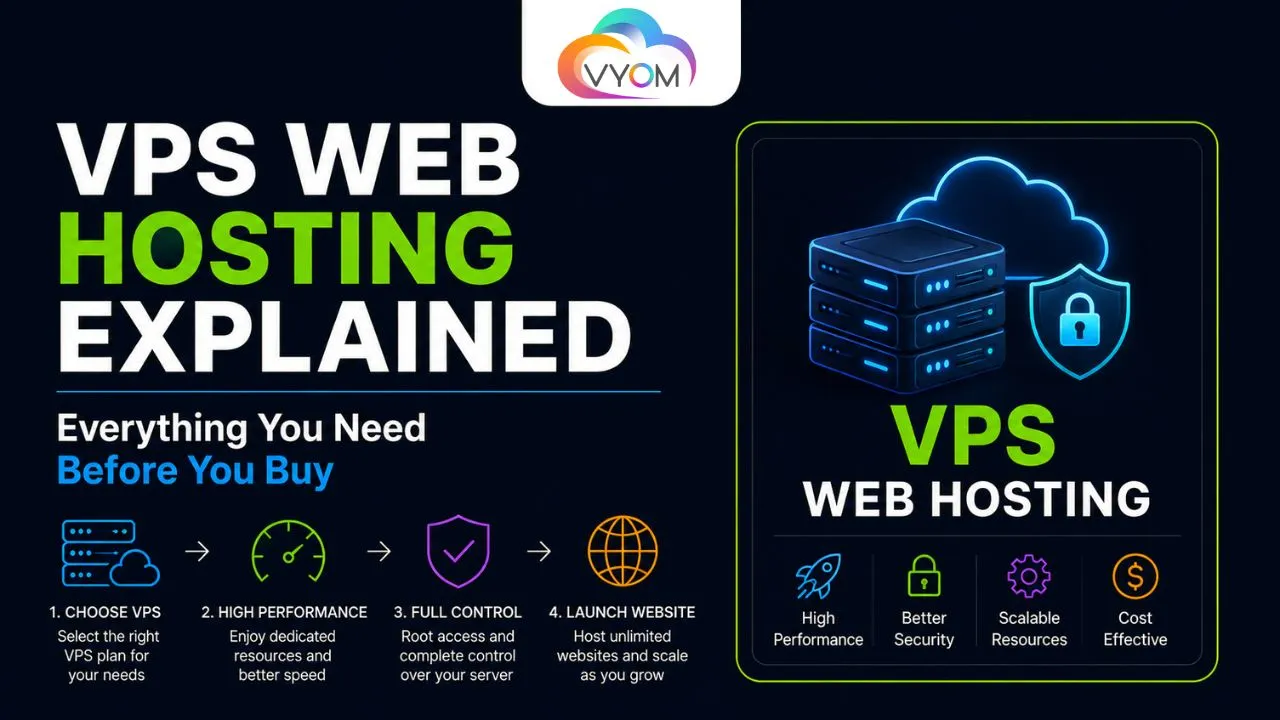
- VPS Web Hosting Explained: Everything You Need Before You Buy
- Introduction
- What Is VPS Web Hosting?
- How Does VPS Hosting Work?
- VPS vs Shared Hosting
- VPS vs Dedicated Hosting
- Benefits of VPS Web Hosting
- Disadvantages of VPS Hosting
- Managed vs Unmanaged VPS
- What to Check Before Buying a VPS
- Who Should Buy VPS Hosting?
- How Much VPS Hosting Do You Need?
- Final Thoughts
- Related Reading
- FAQs
VPS Web Hosting Explained: Everything You Need Before You Buy
Introduction
Choosing the right web hosting can be confusing, especially when you’re moving beyond basic shared hosting. You may have come across terms such as VPS, dedicated server, cloud hosting, and managed hosting without knowing which one actually fits your website.
VPS web hosting is often considered the middle ground between shared hosting and a dedicated server. It gives you more control, better performance, and dedicated resources without the cost of renting an entire physical server.
But is a VPS really worth buying? And what should you check before choosing a VPS hosting plan?
This guide explains how VPS hosting works, its advantages and disadvantages, pricing factors, security considerations, and the situations where it makes sense.
What Is VPS Web Hosting?
VPS stands for Virtual Private Server. It uses virtualization technology to divide a physical server into multiple isolated virtual servers.
Although several VPS accounts may exist on the same physical machine, each virtual server operates independently with its own allocated resources, operating system, storage, and configuration.
Think of it like living in an apartment building. You share the building’s physical structure with other residents, but your apartment is your own private space.
With VPS hosting, you typically get:
- Dedicated CPU allocation
- Allocated RAM
- SSD or NVMe storage
- Root or administrator access
- Your own operating system
- Greater configuration flexibility
How Does VPS Hosting Work?
A physical server runs a virtualization layer that creates multiple virtual machines. Each VPS receives a defined portion of the server’s resources.
You can install an operating system such as Ubuntu, Debian, AlmaLinux, or another supported distribution.
From there, you can install the software your website or application requires.
For example, a VPS can run:
- WordPress
- Laravel
- Node.js applications
- Docker containers
- Databases
- APIs
- Control panels
- Development environments
This flexibility is one of the biggest reasons developers choose VPS hosting.
VPS vs Shared Hosting
Shared hosting is designed for simplicity. Multiple websites share server resources, and the hosting provider usually handles most technical administration.
A VPS gives you significantly more control.
| Feature | Shared Hosting | VPS Hosting |
|---|---|---|
| Resource allocation | Shared | Allocated |
| Root access | Usually no | Usually yes |
| Performance | Basic | Higher |
| Custom software | Limited | Flexible |
| Server control | Low | High |
| Technical knowledge | Low | Moderate |
| Scalability | Limited | Better |
If your website is growing or requires custom server software, VPS hosting can be a major upgrade.
VPS vs Dedicated Hosting
A dedicated server gives you an entire physical machine. It provides maximum control and performance but usually costs more.
A VPS is more affordable because the physical infrastructure is shared while the virtual environment remains isolated.
For many websites and applications, a VPS provides enough performance without the expense of dedicated hardware.
Benefits of VPS Web Hosting
Better Performance
Because your resources are allocated rather than freely shared with every website on the machine, performance is generally more predictable than traditional shared hosting.
Root Access
You can configure the server according to your requirements. This is particularly useful for developers and system administrators.
Greater Security
Virtual isolation can provide better separation between customers compared with basic shared hosting environments.
However, VPS security still depends heavily on proper server configuration.
Scalability
As your website grows, you can often upgrade CPU, RAM, storage, or bandwidth without migrating to an entirely different hosting model.
Flexible Software Support
You aren’t restricted to the applications supported by a traditional hosting control panel. You can install your preferred stack and tools.
Disadvantages of VPS Hosting
VPS hosting isn’t perfect for everyone.
Requires Technical Knowledge
An unmanaged VPS may require you to handle operating system updates, firewalls, SSH access, backups, and server security.
More Responsibility
With greater control comes greater responsibility. A poorly configured VPS can become vulnerable to attacks or performance problems.
Additional Costs
The advertised VPS price may not include backups, licenses, control panels, managed support, or additional storage.
Managed vs Unmanaged VPS
This is one of the most important decisions you’ll make.
Managed VPS
The hosting provider handles many technical tasks, such as:
- Server updates
- Security configuration
- Monitoring
- Backups
- Technical support
Managed VPS hosting is suitable if you want VPS performance without becoming a system administrator.
Unmanaged VPS
With an unmanaged VPS, you generally receive the server and infrastructure while handling administration yourself.
It’s often cheaper and provides greater control, but you’ll need more technical knowledge.
What to Check Before Buying a VPS
Don’t choose a VPS based only on its monthly price.
CPU and RAM
Check how many CPU cores and how much RAM are included. A small website may work comfortably with modest resources, while applications, databases, and multiple websites may require considerably more.
Storage Type
NVMe SSD storage can provide significantly faster storage performance than traditional HDD storage.
Bandwidth
Check both the monthly transfer allowance and network port speed.
Data Center Location
Choose a data center geographically close to your primary visitors when possible. Lower network latency can improve the user experience.
Backup Options
Find out whether automated backups are included and how much restoration costs.
Support
Consider whether support covers infrastructure issues only or application-level problems as well.
Operating System Choices
Make sure your preferred Linux distribution or operating system is supported.
Who Should Buy VPS Hosting?
VPS hosting is a good choice for:
- Growing websites
- Developers
- SaaS applications
- Agencies
- Online stores
- Multiple websites
- APIs and backend services
- Businesses requiring custom software
For a simple personal website with minimal traffic, shared hosting may still be sufficient.
How Much VPS Hosting Do You Need?
There’s no universal VPS specification for every website.
A small website may need only a modest VPS, while a database-heavy application or busy eCommerce store may require significantly more CPU and RAM.
Start with realistic requirements and choose a plan that leaves some room for growth. Avoid paying for resources you don’t currently need simply because the specification looks impressive.
Final Thoughts
VPS web hosting offers an attractive balance between affordability, performance, and control. It provides considerably more flexibility than shared hosting without requiring the investment associated with a dedicated physical server.
However, the right choice depends on your technical experience and website requirements. If you want maximum control and are comfortable managing a server, an unmanaged VPS can offer excellent value. If you’d rather focus on your website or application, a managed VPS may be the better option.
Before buying, compare CPU, RAM, storage, bandwidth, data center location, backups, support, and upgrade options—not just the advertised monthly price.
Related Reading
What is VPS? A Detailed Guide to Virtual Private Servers
Best VPS Hosting in India 2026 | High Performance VPS by Vyom Cloud
Also Read:- How to Build Automation Workflows Using n8n
Let’s Get Social:
Facebook: https://www.facebook.com/vyomcloudnetwork/
LinkedIn: https://www.linkedin.com/company/vyomcloud/
Instagram: https://www.instagram.com/vyomcloud/
FAQs
Is VPS hosting better than shared hosting?
For growing websites and applications that need more resources or server control, VPS hosting is generally a better option. For small websites, shared hosting may be more economical.
Is VPS hosting suitable for beginners?
Managed VPS hosting can be beginner-friendly. An unmanaged VPS requires familiarity with Linux, SSH, security, networking, and server administration.
How much RAM do I need for a VPS?
It depends on what you’re hosting. A simple website may need relatively little memory, while databases, multiple applications, and high-traffic websites require more RAM.
Is VPS hosting secure?
A VPS can be secure when properly configured. Regular updates, strong authentication, firewall rules, backups, and monitoring are important for maintaining server security.
Can I host multiple websites on one VPS?
Yes. A sufficiently powerful VPS can host multiple websites and applications. The number depends on traffic, software requirements, and available CPU, RAM, and storage.
Should I choose a managed or unmanaged VPS?
Choose managed VPS hosting if you don’t want to handle server administration yourself. Unmanaged VPS hosting is better suited to users who want greater control and are comfortable managing their own server.
Can I upgrade my VPS later?
Most VPS providers offer plans that allow you to increase CPU, RAM, storage, or other resources as your requirements grow. Always check the provider’s upgrade and migration policies before purchasing.
