AdminBolt Control Panel
Manage websites, email accounts, databases, DNS zones, and SSL certificates from one flat-priced AdminBolt dashboard — on a dedicated, high-performance VPS with full root access.
See Managed VPS we handle AdminBolt
setup and server management for you.
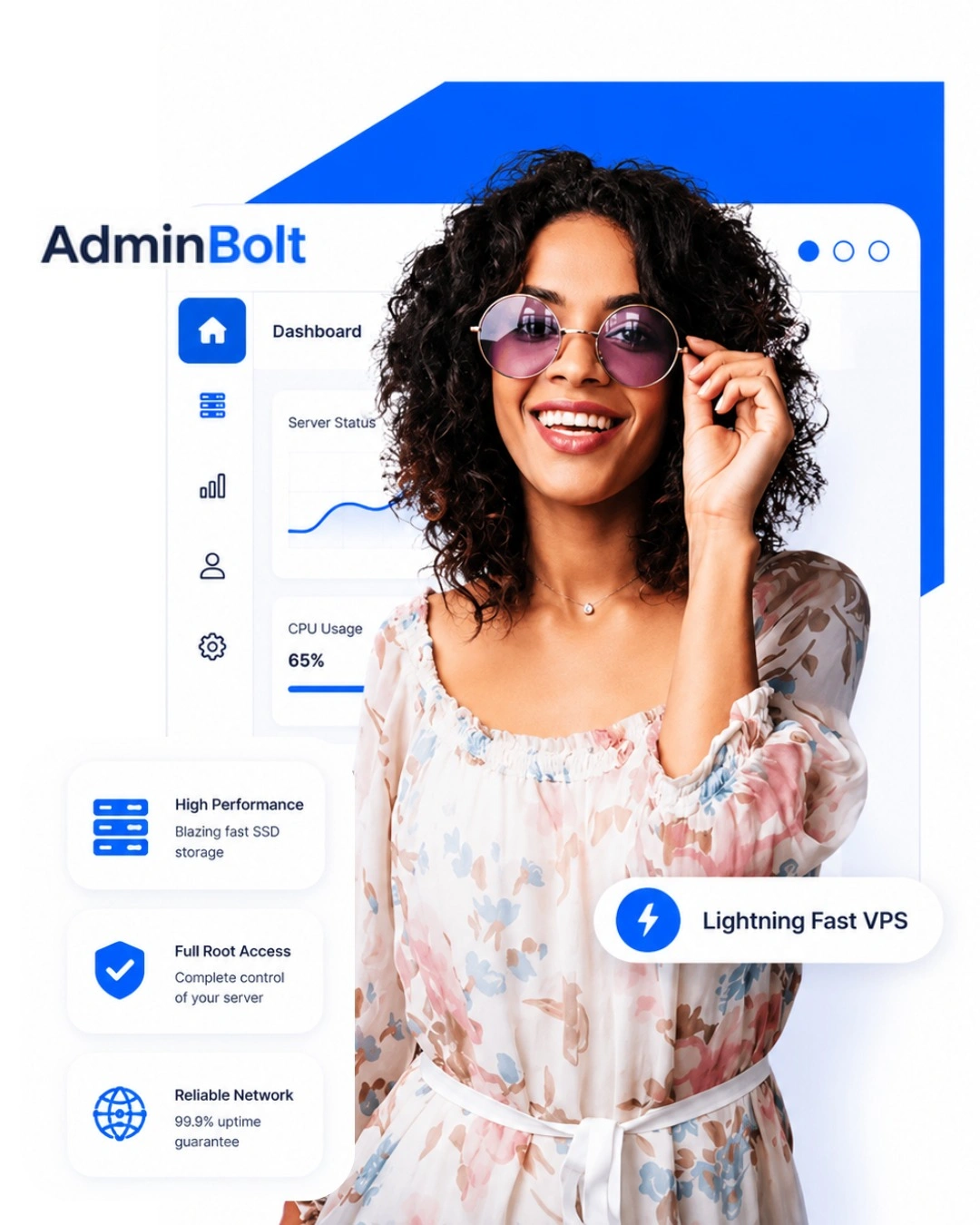
AdminBolt is a modern, web-based hosting control panel built for a single flat monthly rate instead of the per-account licensing model older panels use. It gives you one dashboard to manage websites, email accounts, databases, DNS zones, SSL certificates, and files — all without touching the command line.
With AdminBolt installed on a VPS, agencies, developers, and growing businesses can host unlimited domains from one server, automate routine tasks through its REST API, and still drop into the underlying Linux environment whenever full root control is needed.
| Plan | vCPU Cores | RAM (GB) | Traffic (TB) | Bandwidth (Mbps) | Storage (GB) | Monthly Price (₹) | Get Now |
|---|---|---|---|---|---|---|---|
| GPC.NANO02 | 1 | 2 | 0.50 | 100 | 20 | ₹360/mo Renews at the same price | Get Now |
| GPC.MICRO01 | 2 | 2 | 1.00 | 100 | 40 | ₹560/mo Renews at the same price | Get Now |
| GPC.MICRO02 | 2 | 4 | 2.00 | 250 | 40 | ₹1,040/mo Renews at the same price | Get Now |
| GPC.SMALL | 4 | 8 | 5.00 | 250 | 80 | ₹1,600/mo Renews at the same price | Get Now |
| GPC.MEDIUM | 4 | 16 | 10.00 | 500 | 160 | ₹2,640/mo Renews at the same price | Get Now |
| GPC.LARGE | 8 | 16 | 10.00 | 500 | 160 | ₹3,200/mo Renews at the same price | Get Now |
| GPC.XLARGE01 | 8 | 32 | 30.00 | 500 | 320 | ₹6,800/mo Renews at the same price | Get Now |
| GPC.XLARGE02 | 16 | 64 | 60.00 | 1000 | 1024 | ₹10,000/mo Renews at the same price | Get Now |
| CPUO-MICRO | 4 | 4 | 2.00 | 250 | 40 | ₹1,200/mo Renews at the same price | Get Now |
| CPUO-SMALL | 8 | 8 | 5.00 | 500 | 80 | ₹1,760/mo Renews at the same price | Get Now |
| CPUO-MEDIUM | 16 | 32 | 10.00 | 500 | 160 | ₹7,360/mo Renews at the same price | Get Now |
All plans include full root access, 1 IPv4 + IPv6, DDoS protection and a 99.5% uptime SLA. Need something larger? Talk to sales.
We are confident in the quality of our services. If you're not satisfied, we offer a full refund within 7 days.
Shared hosting keeps you inside a provider-controlled environment with limited resources. AdminBolt on a VyomCloud VPS gives you dedicated resources, root access, and a panel built for unlimited accounts — at a single flat price.
| Feature | Shared Hosting | Recommended AdminBolt VPS |
|---|---|---|
| Resources | Shared with other accounts |
Dedicated CPU & RAM |
| Root Access | Not available |
Full root access included |
| Server Control | Limited to panel settings |
Complete server-level control |
| Scalability | Requires plan migration |
Upgrade resources instantly |
| Website Management | Basic hosting control panel |
Free AdminBolt dashboard |
| Custom Configuration | Restricted by provider |
Install any software or stack |
| Security & Backups | Shared security policies |
Built-in malware scanner & firewall |
AdminBolt does not replace the flexibility of a VPS. Instead, it provides a flat-priced management layer that scales with your client base.
VyomCloud pairs high-performance VPS infrastructure with the AdminBolt control panel — giving agencies, developers, and businesses unlimited hosting capacity without per-account costs.
Run AdminBolt-managed sites on NVMe storage sized for everything from a single client site to a full multi-tenant hosting business.
Get complete root-level access to your Linux VPS to install custom software or configure services, alongside the AdminBolt dashboard.
Manage websites, email, databases, DNS, and SSL for every client from a single AdminBolt dashboard — no per-site licensing fees.
Upgrade resources as your client base grows without migrating servers or reinstalling AdminBolt.
Configure the built-in web application firewall, run automatic malware scans, and issue free SSL certificates — with DDoS protection included at the infrastructure level.
Get help with VPS provisioning, AdminBolt configuration, and day-to-day server management from a support team available around the clock.
Once AdminBolt is installed on your VPS, its dashboard simplifies everyday hosting tasks.
Flat Pricing · No Per-Account Fees
Host unlimited websites and clients under one flat monthly price, with no per-account fees.
Websites · Domains · Server Blocks
Add websites, connect domains, and configure server blocks through a single dashboard.
Business Email · DNS · Spam Filtering
Create and manage business email accounts without a separate mail server.
MySQL · MariaDB · Admin Tool
Create and manage MySQL/MariaDB databases with a built-in admin tool.
DNS Zones · Domain Routing
Manage DNS records and zones for every hosted domain from the panel.
Free SSL · WAF · Security
Issue free automatic SSL certificates and configure the built-in web application firewall.
Automated Scans · Threat Detection
Run automated scans to catch malicious files before they affect your sites.
Automation · Account Creation · Backups
Automate account creation, backups, and routine tasks through AdminBolt's API.
cPanel Import · Migration Tools
Import websites, databases, and email accounts from cPanel-based servers.
File Manager · FTP · SFTP
Upload files, set permissions, and configure FTP/SFTP access from the browser.
Automated Backups · Cron Jobs
Configure automated backups and cron jobs to keep every site running reliably.
AdminBolt fits different hosting, development, and business needs.
Kabir Anand freelances across six client projects and used to spend a chunk of every new engagement manually setting up a database and mail account through a panel's UI. Scripting account creation through AdminBolt's REST API turned that setup into a five-minute automated step he runs once per new client instead of clicking through the same dashboard flow every time.
A nine-person agency was paying a licensed panel's per-account fee that kept climbing every time they onboarded a new client, which started to feel backwards — growing the business was making the tooling more expensive. Moving to AdminBolt's flat pricing meant hosting client number twenty cost exactly the same as hosting client number five.
A solo hosting reseller built his business on thin per-account margins that a licensed panel's own per-account fee quietly ate into. Switching to AdminBolt's flat monthly pricing meant his margin per account stopped shrinking every time he added a new customer.
A boutique owner running her own e-commerce site outgrew shared hosting when her provider capped the number of email accounts she could create for her small team. Moving to AdminBolt on a VPS removed that limit entirely, and she still manages everything from one dashboard without needing to learn server administration.
A content publisher running a WordPress site with heavy daily traffic needed more PHP memory than their shared host would allow, and support kept suggesting they just optimize their images instead of raising the limit. On an AdminBolt VPS, they configured PHP settings themselves in the dashboard and stopped waiting on a support ticket to fix a resource limit.
A handmade-goods online store watched checkout slow down during last year's holiday sale on a shared hosting plan that couldn't handle the traffic spike. Running on an AdminBolt VPS this year, they scaled resources ahead of the sale through the dashboard and had their smoothest high-traffic weekend since launching.
A three-person startup hosted their marketing site, an internal admin tool, and a customer-facing API all through one AdminBolt VPS during their early months, keeping infrastructure costs down while they were still pre-revenue. As their user base grew, they scaled the VPS itself rather than re-platforming any of the three pieces.
A five-person consultancy was paying a recurring per-mailbox fee to a third-party email provider for something that felt like it should be simpler. Running business email directly through AdminBolt on the same VPS as their website removed that separate bill entirely.
An agency managing DNS across a dozen client domains registered with different providers used to lose time remembering which registrar login went with which domain. Centralizing DNS zone management in AdminBolt put every domain's records in one place, cutting a routine update down from ten minutes of hunting for the right login to about one.
A small hosting reseller had eighteen client accounts on an aging, increasingly expensive cPanel license and dreaded the idea of manually rebuilding each one elsewhere. AdminBolt's built-in cPanel import tool moved sites, databases, and email accounts over with their permissions intact, turning a feared multi-week migration into a weekend project.
Getting AdminBolt running takes just a few steps, or let VyomCloud handle the setup for you.
Select your VPS compute and storage resources based on how many websites, databases, and client accounts you plan to host. With full root access and scalable resources, you can resize CPU, RAM, or NVMe storage anytime without reinstalling AdminBolt.
Deploy a fresh Linux OS (Ubuntu or AlmaLinux) on your VPS. Ensure your firewall rules are configured, set your fully qualified hostname, and point your domain's DNS A-records to your dedicated server IP address.
Run the official AdminBolt installation command via SSH terminal, or choose our pre-configured AdminBolt image at checkout. The automated setup configures web servers, PHP stacks, MariaDB, and the control panel in minutes.
Log into your AdminBolt web panel, create your first website or client account, bind your domain name, configure PHP and database settings, and issue automatic Let's Encrypt SSL certificates with one click.
Use the unified dashboard to manage unlimited websites, create custom business email accounts, configure DNS zones, schedule automated backups, and leverage AdminBolt's REST API to automate account creation.
Hear from businesses that trust VyomCloud for their infrastructure needs
I'd been putting off moving off cPanel for a year because I assumed migrating fifteen client accounts would be a nightmare. AdminBolt's import tool brought over the sites, databases, and email accounts with permissions intact, and the whole migration took a weekend instead of the multi-week project I'd been dreading.
VyomCloud's DDoS protection and Bring Your Own IP model (free of cost) provided us with dedicated IPs and secure cloud bare metal infrastructure. Their advanced security features and integrated authentication added great value.
I have taken a VPS Linux Server from VyomCloud. It's a high-end CPU benchmark server. I haven't experienced any downtime yet. I've been using their services for the past 6 months.
We script new client account creation through AdminBolt's API now instead of clicking through the dashboard every time, which used to be a five-minute manual task for every single new client. It's a small thing, but across twenty-plus clients a year, it adds up to real time back.
Everything you need to know before you deploy your first VyomCloud AdminBolt VPS.
AdminBolt VPS Hosting combines a Virtual Private Server with the AdminBolt control panel, giving you a single dashboard to manage websites, email accounts, databases, DNS zones, and SSL certificates — for a flat monthly price.
Yes. AdminBolt is built for multi-site and multi-client hosting. The number of sites you can comfortably run depends on your VPS resources and each site's traffic.
Yes. You retain full root-level access to your Linux VPS for custom configuration, alongside the convenience of the AdminBolt dashboard.
Yes. Business email hosting is built directly into AdminBolt, so you don't need a separate mail provider.
Yes. AdminBolt includes a built-in web application firewall and automated malware scanning, in addition to VyomCloud's infrastructure-level DDoS protection.
Pick an AdminBolt VPS plan based on your CPU, RAM, and storage needs, then check out — provisioning usually takes just a few minutes, with AdminBolt pre-installed and ready to configure.
No. AdminBolt uses flat, unlimited-account pricing. You pay for your VPS plan and can host as many websites and clients as your server resources allow.
Yes. AdminBolt manages the full server environment WordPress needs — PHP, databases, files, domains, and SSL.
Yes. AdminBolt includes a built-in cPanel import tool that transfers website files, databases, email accounts, and DNS settings during migration.
Yes. AdminBolt is API-first — account creation, backups, and most routine admin tasks can be automated through its REST API.
Yes. VPS resources can be upgraded as your client base or traffic grows, without needing to reinstall AdminBolt. Compare all VPS plans to see what's available at each tier.
Yes. Our migration specialists handle even complex, multi-client migrations with minimal disruption, including:
Rollback checkpoints and domain transfer assistance included, scheduled around your preferred timeline. Server migration is a paid, expert-managed service.
Manage unlimited hosting accounts from one flat-priced panel on dedicated, high-performance VPS resources.