Webmin VPS Hosting
Manage your server with greater flexibility using Webmin on a VyomCloud VPS—a web-based interface for users, services, system settings, and applications from one dashboard. Deploy a Webmin-ready VPS on VyomCloud and keep full control while reducing reliance on command-line tasks for routine administration.
See Managed VPS - we run the server for you
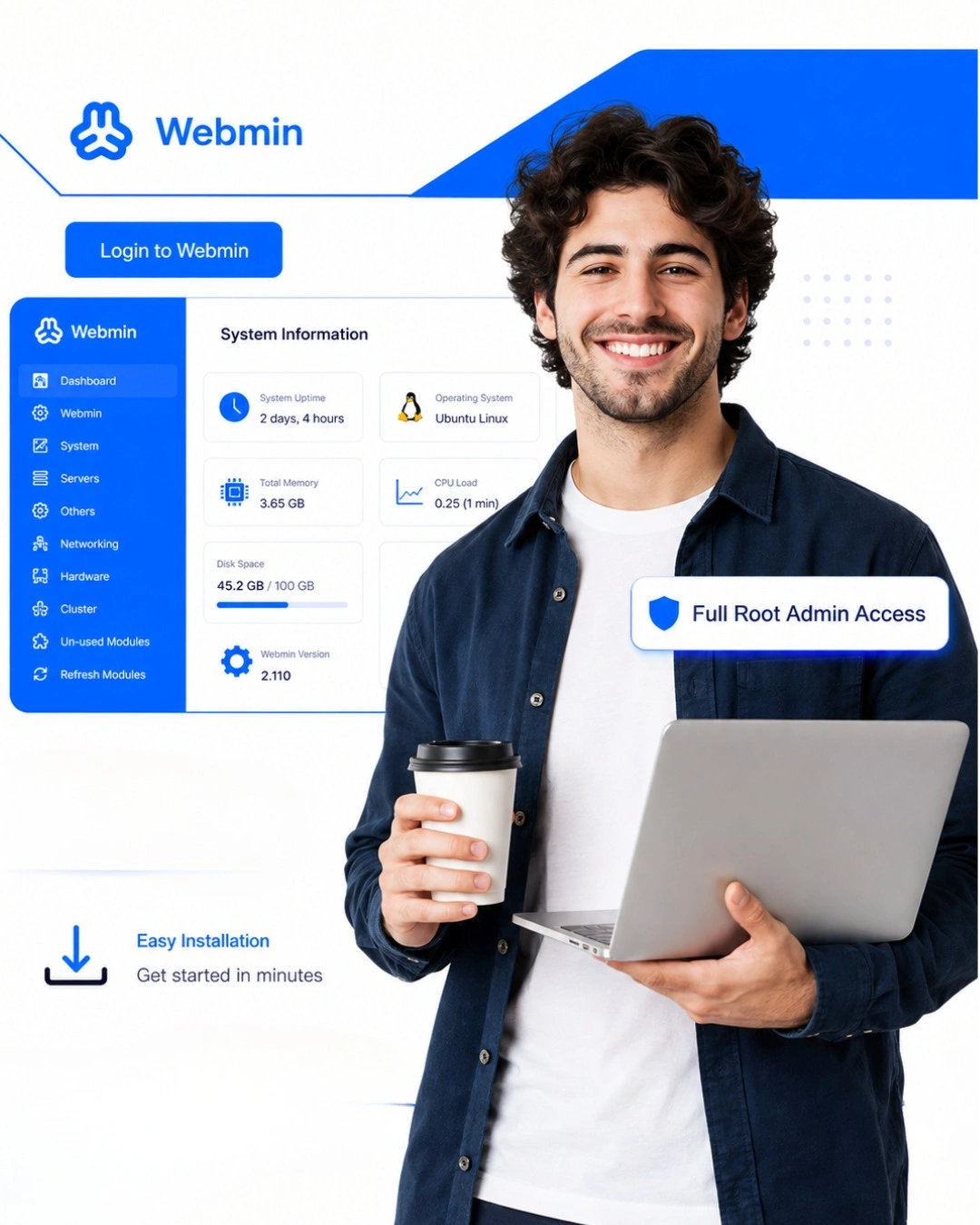
Webmin is a browser-based control panel for managing Unix and Linux servers through a graphical dashboard, so you can handle many routine tasks without using only the command line. It adds a visual layer for common administration work while still allowing full SSH and terminal access when needed.
Webmin is designed for system administrators, developers, and businesses that want greater control over their server environment without relying entirely on command-line administration. With a Webmin control panel, you can manage users, services, files, and system settings from one place while retaining the flexibility of a VPS.
| Plan | vCPU Cores | RAM (GB) | Traffic (TB) | Bandwidth (Mbps) | Storage (GB) | Monthly Price (₹) | Get Now |
|---|---|---|---|---|---|---|---|
| GPC.NANO02 | 1 | 2 | 0.50 | 100 | 20 | ₹360/mo Renews at the same price | Get Now |
| GPC.MICRO01 | 2 | 2 | 1.00 | 100 | 40 | ₹560/mo Renews at the same price | Get Now |
| GPC.MICRO02 | 2 | 4 | 2.00 | 250 | 40 | ₹1,040/mo Renews at the same price | Get Now |
| GPC.SMALL | 4 | 8 | 5.00 | 250 | 80 | ₹1,600/mo Renews at the same price | Get Now |
| GPC.MEDIUM | 4 | 16 | 10.00 | 500 | 160 | ₹2,640/mo Renews at the same price | Get Now |
| GPC.LARGE | 8 | 16 | 10.00 | 500 | 160 | ₹3,200/mo Renews at the same price | Get Now |
| GPC.XLARGE01 | 8 | 32 | 30.00 | 500 | 320 | ₹6,800/mo Renews at the same price | Get Now |
| GPC.XLARGE02 | 16 | 64 | 60.00 | 1000 | 1024 | ₹10,000/mo Renews at the same price | Get Now |
| CPUO-MICRO | 4 | 4 | 2.00 | 250 | 40 | ₹1,200/mo Renews at the same price | Get Now |
| CPUO-SMALL | 8 | 8 | 5.00 | 500 | 80 | ₹1,760/mo Renews at the same price | Get Now |
| CPUO-MEDIUM | 16 | 32 | 10.00 | 500 | 160 | ₹7,360/mo Renews at the same price | Get Now |
All plans include full root access, 1 IPv4 + IPv6, DDoS protection and a 99.5% uptime SLA. Need something larger? Talk to sales.
We are confident in the quality of our services. If you're not satisfied, we offer a full refund within 7 days.
As your server management needs grow, shared hosting may not provide the level of control and resources you need. A VPS gives you more flexibility and dedicated resource allocation.
| Feature | Shared Hosting | RecommendedWebmin VPS |
|---|---|---|
| Resources | Shared resources |
Dedicated VPS allocation |
| Root Access | Usually unavailable |
Available |
| Server Control | Limited |
High |
| Scalability | More limited |
Easy to upgrade |
| Server Management | Hosting control panel |
Webmin dashboard |
| Custom Configuration | Restricted |
Flexible |
| Administrative Tools | Depends on plan |
Web-based administration |
| Best For | Simple websites |
Server administration & control |
If you need greater control, scalable resources, and a flexible server management environment, Webmin VPS hosting can be a practical upgrade from shared hosting.
VyomCloud provides a flexible VPS environment where you can run Webmin and manage your server with greater control.
Run your Webmin environment on reliable VPS infrastructure designed to support server administration, applications, and business workloads.
Get fast NVMe SSD storage designed to provide responsive storage performance for server administration and applications.
Get full root access to your VPS and configure your server environment according to your technical requirements.
Upgrade your CPU, RAM, storage, or other resources as your server administration and application requirements increase.
Protect your VPS environment with security features designed to help safeguard your server, applications, and infrastructure.
Get assistance when you need help with your VPS hosting environment and related technical requirements.
Webmin provides useful tools that make everyday server administration and management easier.
Users · Groups · Permissions
Create, modify, and delete system users and groups, set permissions, and manage access controls from the web interface.
Services · Apache · MySQL · SSH
Start, stop, restart, and configure supported system services (like Apache, MySQL, SSH, etc.) without using command-line commands.
Files · Directories · Permissions
Browse, upload, download, edit, and manage files and directories with permission controls directly through the browser.
CPU · Memory · Disk · Processes
View real-time information on CPU usage, memory, disk space, running processes, and system logs to monitor server health.
APT · YUM · DNF · Packages
Install, update, and remove software packages using built-in package managers (like APT, YUM, or DNF) through a graphical interface.
Firewall · Security · Access Control
Configure firewall rules, manage access controls, and set up security policies to protect your server from unauthorized access.
Cron · Scheduled Tasks · Automation
Set up and manage scheduled tasks and cron jobs through the Webmin interface for automated server maintenance and routine operations.
Network · Interfaces · DNS · Routing
Manage network interfaces, DNS settings, routing tables, and network services through Webmin's network configuration tools.
Logs · Reports · Troubleshooting
View and analyze system logs, generate reports on server activity, and troubleshoot issues through Webmin's logging interface.
SSL · TLS · Web Server · Apache · Nginx
Configure web server settings, manage virtual hosts, and set up SSL/TLS certificates for secure connections through Webmin's web server modules.
A Webmin VPS can support different types of server administration needs, applications, and online projects.
Quickly provision and manage development, staging, or testing environments with easy server configuration through Webmin's interface.
Simplify routine Linux server administration tasks like user management, service control, and monitoring through a web interface.
Run internal applications, databases, or web services with full server control and scalable resources from VyomCloud.
Manage multiple client projects and server environments efficiently without relying entirely on command-line administration.
Gain hands-on server management experience with a user-friendly panel while building fundamental system administration skills.
Host online stores, APIs, or SaaS applications with reliable performance and the flexibility to manage server resources, backups, and security directly through Webmin.
Access and manage your server from anywhere using Webmin's browser-based interface, reducing the need for direct SSH access for routine tasks.
Use Webmin's cluster management features to administer multiple servers from a single interface with centralized user management and configuration.
Webmin VPS from VyomCloud provides the flexibility to configure your server environment exactly how you need it. Scale resources as your requirements grow, while managing everything from a centralized web-based control panel.
The Webmin install process requires a compatible VPS environment and basic server administration knowledge.
Select VPS resources according to your server administration needs, applications, storage requirements, and expected growth.
Deploy a supported operating system and ensure that your VPS meets the current Webmin installation requirements.
Connect to your VPS through SSH and start the Webmin installation process according to the current installation requirements.
After installation, configure users, services, firewall settings, SSL certificates, and other required server settings.
Once Webmin is installed and configured, use the dashboard to manage users, services, files, system settings, and your server environment.
Hear from customers who trust VyomCloud for their infrastructure needs
Highly satisfied with the dedicated server from VyomCloud. Fast, secure, and reliable.
Simple and efficient service from VyomCloud. The team was helpful and easy to work with.
We get IPMI access with the bare metal server from VyomCloud at no extra cost. It allows us to access the server, install any OS, and check the server health easily.
I have taken an AMD Ryzen 5 3600 server from VyomCloud. The CPU benchmark score and overall server performance are top-notch.
Everything you need to know before you deploy your first VyomCloud VPS.
Webmin lets you manage Linux/Unix servers through a browser-based interface. It simplifies routine administration tasks like user management, service configuration, file management, and system monitoring.
Webmin is primarily a server administration tool, not a traditional hosting control panel. It provides a graphical interface for system management rather than website-specific hosting features.
Yes, but basic knowledge of Linux, security, networking, and server management is recommended. Webmin makes many tasks easier but still requires understanding of server concepts.
Yes, Webmin can support multi-server administration with the right tools and configuration. You can manage multiple servers from a single Webmin interface.
VyomCloud Webmin VPS combines dedicated vCPU, RAM, and NVMe storage for stable performance with the convenience of the Webmin control panel. You get full root access, built-in firewalling, DDoS Protection, automated backups, and the ability to scale resources in a few clicks — all backed by our 99.5% uptime SLA and 7-day money-back guarantee.
Every VyomCloud VPS sits behind dual firewalls protecting both inbound and outbound traffic, backed by always-on DDoS Protection that filters malicious traffic in real time. Our infrastructure is ISO 27001-certified, and automated backups run quietly in the background. Webmin adds another layer with user access controls, SSL/TLS encryption, and configurable firewall settings.
Without a doubt. Our migration specialists even manage the most complicated server migrations with minimum disruption.
We can help with migration from other control panels or server setups to Webmin, live database replication, low-TTL DNS migration, migration from any host or control panel, Docker/custom stack migration, and legacy OS upgrades.
All migrations include rollback checkpoints and domain transfer assistance, scheduled to your timeline. Server migration is a paid, expert-managed service.
Yes, Webmin can be installed on compatible VPS operating systems with administrative access. You need root access to install and configure Webmin on your VPS.
A Webmin VPS is a VPS configured with Webmin for browser-based server management. It combines VPS resources with Webmin's web-based administration interface.
Yes, Webmin works with many supported Linux VPS distributions including Ubuntu, Debian, AlmaLinux, Rocky Linux, and other compatible Linux distributions.
Yes, VyomCloud provides VPS and cloud infrastructure suitable for deploying Webmin. You get full root access, scalable resources, and enterprise-grade infrastructure.
Pick a Webmin VPS plan based on your CPU, RAM, and storage needs, then check out — provisioning usually takes just a few minutes. You'll get full root access from the first login, and Webmin can be installed to simplify server administration. Our Server Migration team can assist with setup and configuration.
VyomCloud Webmin VPS hosting is built around performance, transparency, and support. Every plan runs on bare metal-backed hardware with NVMe storage for consistent performance, and pricing stays the same at renewal with no surprise increases. Our infrastructure is independently audited across ISO 27001, ISO 27017, ISO 27018, and ISO 22301. You also get a 99.5% uptime SLA, 24/7 support, DDoS Protection, automated backups, and a 7-day money-back guarantee — all with the flexibility to run Webmin.
Power your server administration with flexible VPS resources and web-based management.