
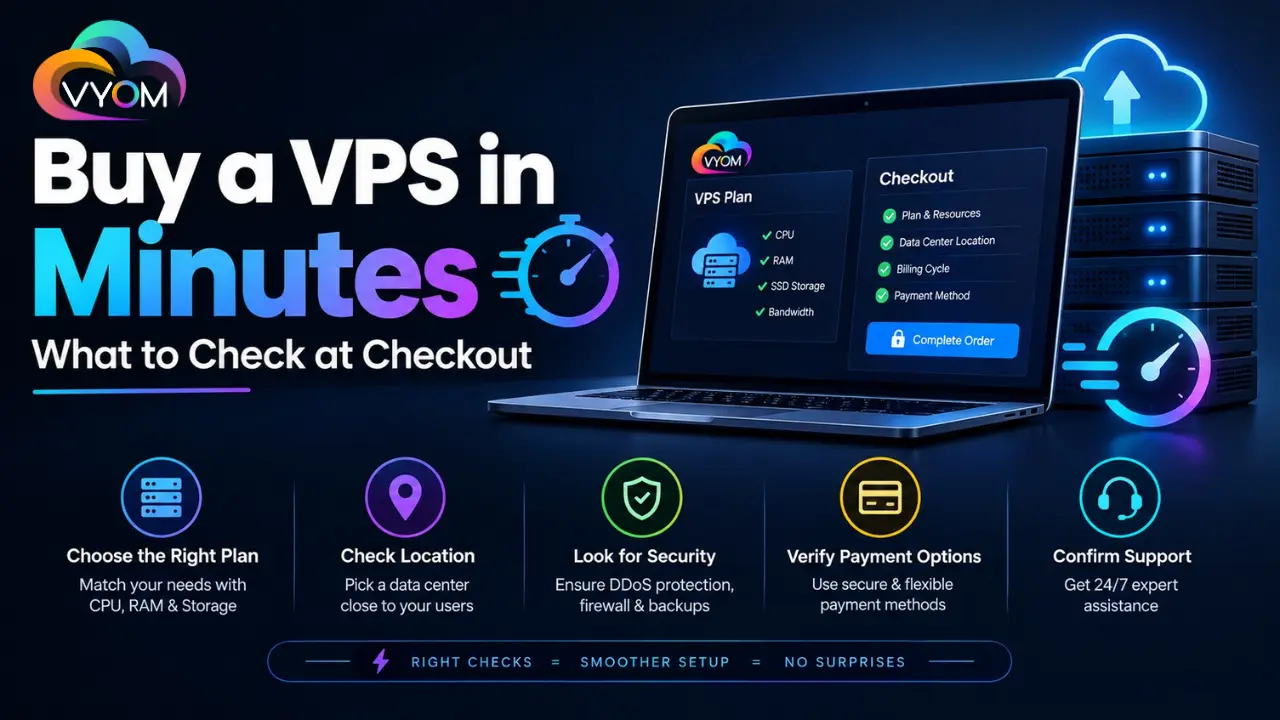
- Buy a Virtual Private Server in Minutes: What to Check at Checkout
- 1. Check the Exact VPS Resources
- 2. Confirm the Operating System
- 3. Look at the Server Location
- 4. Review the Final Price
- 5. Check Optional Add-Ons
- 6. Understand Backup and Snapshot Options
- 7. Verify Network and Bandwidth Limits
- 8. Check Management Level
- 9. Review Upgrade Options
- 10. Read the Support and Refund Terms
- Final Checkout Checklist
- Related Reading
- FAQs
- How quickly can a VPS be activated?
- What should I check before buying a VPS?
- Is a Linux VPS cheaper than a Windows VPS?
- Should I choose SSD or NVMe VPS storage?
- Does every VPS include backups?
- What is the difference between managed and unmanaged VPS?
- Can I upgrade my VPS later?
- Is the advertised VPS price the final price?
Buy a Virtual Private Server in Minutes: What to Check at Checkout
Buying a Virtual Private Server (VPS) can be surprisingly quick. Many hosting providers allow customers to select a plan, choose an operating system, configure a few options, complete payment, and receive server access within minutes.
The fast setup is convenient, but it can also make it easy to overlook important details.
A VPS that looks affordable on the pricing page may cost more after adding backups, control panels, operating system licenses, or additional resources. Similarly, selecting the wrong operating system or an unsuitable server location can create problems after deployment.
Before you click Buy, spend a few minutes checking the following details.
1. Check the Exact VPS Resources
Start with the specifications included in the selected plan.
Look at:
- vCPU or CPU cores
- RAM
- SSD or NVMe storage
- Bandwidth or data transfer
- Network speed
- Number of IP addresses
- Backup or snapshot storage
Don’t choose a VPS simply because it has a low starting price. A cheap VPS with insufficient RAM may perform poorly once you install your applications.
For a basic website, a small configuration may be enough. Developers running Docker containers, databases, APIs, or multiple websites may need considerably more CPU and RAM.
2. Confirm the Operating System
The operating system is one of the most important choices during checkout.
For many web development workloads, Linux distributions such as Ubuntu or Debian are common choices. Windows VPS hosting may be necessary for applications that specifically depend on Windows.
Before selecting an OS, check your application’s requirements.
Also verify whether Windows licensing is included in the displayed VPS price. A Windows VPS can have a different final price from an equivalent Linux configuration because of licensing costs.
3. Look at the Server Location
Server location affects network latency and can influence the experience of users accessing your applications.
If most of your customers are in India, an Indian data center can be worth considering. If your audience is international, you may prefer a location closer to your primary users or application infrastructure.
Don’t confuse data center location with the hosting company’s office location. Check where the actual VPS will be provisioned.
4. Review the Final Price
This is one of the most important checkout checks.
The price advertised on the VPS landing page may not be the final amount you pay.
Look for:
- Billing period
- Setup charges
- GST or other taxes
- Discounts
- Renewal pricing
- Add-on charges
- License fees
A provider may offer a low introductory rate that applies only to the first billing period. Always check what the VPS will cost when it renews.
5. Check Optional Add-Ons
Hosting checkout pages often include additional services.
You may see options for:
- Automated backups
- Server monitoring
- Managed support
- Control panels
- Security services
- Additional IP addresses
- Extra storage
- DDoS protection
Some of these services can be valuable, but you should understand exactly what you’re purchasing.
For example, a control panel can simplify server management, while an experienced developer may prefer managing the VPS through SSH without paying for additional software.
6. Understand Backup and Snapshot Options
Don’t assume every VPS includes automatic backups.
A VPS can give you considerable control, but you are still responsible for protecting important data unless your hosting package includes a suitable backup service.
Check whether backups are:
- Included in the plan
- Charged separately
- Stored on separate infrastructure
- Automatic or manual
- Retained for a specific number of days
Also check whether restoration is available and how the recovery process works.
7. Verify Network and Bandwidth Limits
Bandwidth policies can differ considerably between providers.
Some plans include a specific monthly transfer allowance, while others advertise high or unmetered traffic under particular terms.
Before checkout, understand what happens if you exceed the included allowance.
For websites, APIs, media applications, downloads, and other traffic-heavy workloads, this detail can have a significant impact on operating costs.
8. Check Management Level
Determine whether the VPS is managed or unmanaged.
With an unmanaged VPS, you typically handle operating system updates, software installation, security configuration, troubleshooting, and routine administration.
A managed VPS can include technical assistance with some of these tasks, depending on the provider and package.
Choose based on your technical experience rather than simply selecting the cheaper option.
9. Review Upgrade Options
Your current requirements may change.
Before purchasing, check whether you can upgrade:
- CPU
- RAM
- Storage
- Bandwidth
- IP addresses
Also find out whether upgrades require migration to another VPS or can be completed with a configuration change.
Flexible scaling can save time when a website or application suddenly grows.
10. Read the Support and Refund Terms
Finally, look at the provider’s support policy.
Check support availability, response channels, migration assistance, refund conditions, cancellation procedures, and service-level information.
These details may not seem important when everything is working normally, but they become much more relevant when you encounter a server problem.
Final Checkout Checklist
Before completing your VPS purchase, confirm:
✓ CPU and RAM are sufficient
✓ Storage type and capacity are suitable
✓ Correct operating system is selected
✓ Data center location matches your audience
✓ Bandwidth limits are understood
✓ Backup requirements are covered
✓ Add-ons are intentional
✓ Taxes and renewal pricing are clear
✓ Management level matches your skills
✓ Upgrade options are available
✓ Support and refund terms are understood
A VPS can genuinely be deployed within minutes, but choosing the right configuration deserves a little more attention.
The goal isn’t simply to complete the checkout quickly. It’s to make sure the server you receive is suitable for your application, budget, technical requirements, and expected growth.
Related Reading
What is a VPS? A Detailed Guide to Virtual Private Servers
Best VPS Hosting in India 2026 | High-Performance VPS by Vyom Cloud
Also Read: Cheapest VPS Hosting Provider in India [September 2026]
Let’s Get Social:
Facebook: https://www.facebook.com/vyomcloudnetwork/
LinkedIn: https://www.linkedin.com/company/vyomcloud/
Instagram: https://www.instagram.com/vyomcloud/
FAQs
How quickly can a VPS be activated?
Many hosting providers can provision a VPS within minutes after successful payment and verification. Actual activation time depends on the provider, selected configuration, and account verification requirements.
What should I check before buying a VPS?
Check CPU, RAM, storage, bandwidth, operating system, data center location, backups, support, management level, taxes, renewal pricing, and available upgrades.
Is a Linux VPS cheaper than a Windows VPS?
Linux VPS plans are often less expensive because Linux distributions generally do not require a commercial operating system license. Windows VPS pricing may include an additional licensing cost.
Should I choose SSD or NVMe VPS storage?
Both can work well, but NVMe storage generally offers faster storage performance and can be useful for databases, applications, development environments, and workloads with frequent disk operations.
Does every VPS include backups?
No. Backup policies vary by provider and plan. Some VPS packages include backups or snapshots, while others offer them as paid add-ons.
What is the difference between managed and unmanaged VPS?
With an unmanaged VPS, the customer is generally responsible for server administration. Managed VPS hosting provides varying levels of technical assistance and server management from the provider.
Can I upgrade my VPS later?
Many providers offer upgrades to CPU, RAM, storage, or other resources. However, the available upgrade process varies, so it is worth checking the provider’s scaling policy before purchasing.
Is the advertised VPS price the final price?
Not always. Taxes, operating system licenses, control panels, backups, additional IPs, and other services can affect the final checkout amount. Renewal pricing may also differ from promotional pricing.
