
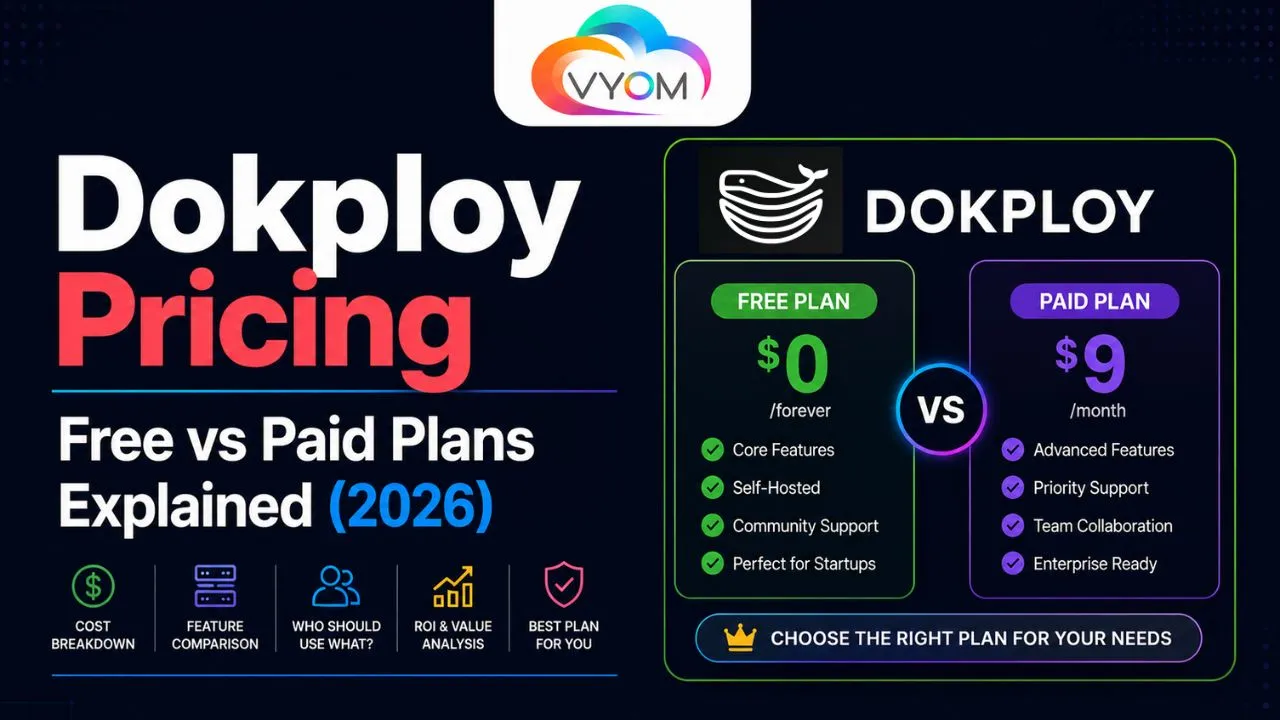
- Dokploy Pricing: Free vs Paid Plans Explained
- Introduction
- What is Dokploy?
- Understanding Dokploy’s Pricing Model
- Dokploy Free Plan Explained
- Infrastructure Costs You Should Expect
- Are There Paid Dokploy Plans?
- Free vs Paid: Key Differences
- Is Dokploy More Affordable Than Heroku?
- Who Should Choose the Free Version?
- Who Might Need Paid Services?
- Is Dokploy Worth the Cost?
- Conclusion
- Related Reading
- FAQs
- Frequently Asked Questions
Dokploy Pricing: Free vs Paid Plans Explained
Introduction
When choosing a deployment platform, pricing is often one of the most important factors. Developers, startups, and businesses want a solution that delivers powerful deployment features without creating unnecessary infrastructure costs. While many cloud platforms charge recurring fees based on usage, self-hosted solutions have become increasingly popular because they provide more flexibility and long-term cost savings.
Dokploy is one of the fastest-growing open-source deployment platforms in 2026. Designed as a self-hosted Platform-as-a-Service (PaaS), it helps developers deploy applications, manage databases, automate deployments, and control infrastructure through a modern dashboard.
One question many new users ask is: How much does Dokploy cost?
The good news is that Dokploy follows an open-source model, making it highly accessible for individuals and businesses. In this guide, we’ll break down Dokploy pricing, explain the differences between free and paid options, and help you decide which approach is best for your needs.
What is Dokploy?
Dokploy is an open-source deployment platform that simplifies application hosting and infrastructure management.
It allows users to:
- Deploy applications from Git repositories
- Manage Docker containers
- Host databases
- Configure domains
- Automate SSL certificates
- Monitor deployments
Many developers view Dokploy as a self-hosted alternative to:
- Heroku
- Railway
- Render
- Fly.io
- Coolify
Because Dokploy is self-hosted, its pricing structure differs significantly from traditional cloud deployment platforms.
Understanding Dokploy’s Pricing Model
Unlike many commercial PaaS providers, Dokploy itself is open-source software.
This means:
- The software can be downloaded for free.
- Users can install it on their own servers.
- There are no mandatory licensing fees.
- No per-application charges exist.
- No usage-based platform pricing is applied.
However, running Dokploy still requires infrastructure, which creates some costs.
The overall cost depends on:
- Server hosting
- Storage usage
- Bandwidth consumption
- Optional support services
For most users, these infrastructure expenses remain significantly lower than the pricing of many managed deployment platforms.
Dokploy Free Plan Explained
Technically, Dokploy’s core platform is completely free.
What You Get
The free self-hosted version typically includes:
- Unlimited application deployments
- Git integrations
- Docker support
- SSL automation
- Database deployment
- Environment variable management
- Monitoring tools
- Multi-project management
Users can access nearly all core deployment functionality without paying software licensing fees.
Who Should Use the Free Version?
The free version is ideal for:
- Individual developers
- Freelancers
- Students
- Open-source contributors
- Small startups
- Learning environments
For many users, the free version provides everything needed to host production applications.
Infrastructure Costs You Should Expect
Although Dokploy is free, hosting infrastructure is not.
VPS Hosting
Most users deploy Dokploy on a VPS.
Typical monthly costs:
- Entry-level VPS: $5–10/month
- Mid-range VPS: $15–30/month
- High-performance VPS: $50+/month
Popular providers include:
- DigitalOcean
- Hetzner
- Vultr
- Linode
- AWS
- Google Cloud
Domain Names
Custom domains generally cost:
- $10–20/year
Depending on the extension and registrar.
Backups and Storage
Additional costs may include:
- Object storage
- Backup services
- Database snapshots
However, these expenses remain optional and depend on project requirements.
Are There Paid Dokploy Plans?
As of 2026, Dokploy’s primary offering remains open-source and self-hosted.
However, users may encounter paid options such as:
Managed Hosting Services
Some providers may offer hosted Dokploy environments.
Benefits include:
- No server maintenance
- Automatic updates
- Infrastructure management
- Technical assistance
These services are typically provided by third parties rather than Dokploy itself.
Premium Support
Businesses may choose paid support options if available.
Potential benefits include:
- Faster issue resolution
- Deployment assistance
- Infrastructure guidance
- Priority support
This can be valuable for organizations running mission-critical applications.
Free vs Paid: Key Differences
Free Self-Hosted Version
Advantages:
- No licensing costs
- Full infrastructure ownership
- Unlimited flexibility
- Complete customization
- Lower long-term expenses
Challenges:
- Requires server management
- User handles updates
- User responsible for security
Paid Managed Solutions
Advantages:
- Reduced maintenance
- Easier onboarding
- Managed infrastructure
- Professional support
Challenges:
- Higher recurring costs
- Less infrastructure control
- Potential vendor dependency
For many developers, the free self-hosted option remains the most attractive choice.
Is Dokploy More Affordable Than Heroku?
In many cases, yes.
Platforms like Heroku charge based on:
- Application resources
- Database usage
- Add-ons
- Scaling requirements
As applications grow, monthly expenses can increase significantly.
With Dokploy, users generally pay only for server resources, making costs far more predictable.
This pricing model is particularly attractive for:
- Startups
- SaaS businesses
- Agencies
- Growing development teams
Who Should Choose the Free Version?
The free version is perfect if you:
- Have basic server knowledge
- Want full infrastructure ownership
- Need maximum flexibility
- Want to minimize hosting expenses
- Prefer open-source software
Most small-to-medium projects can operate successfully using the free version.
Who Might Need Paid Services?
Paid services may be worth considering if:
- You lack server administration experience
- Your team requires guaranteed support
- You manage critical business applications
- You prefer a fully managed environment
For larger organizations, support and convenience may justify additional costs.
Is Dokploy Worth the Cost?
Considering that the software itself is free, Dokploy delivers exceptional value.
Users gain access to:
- Modern deployment workflows
- Docker-native infrastructure
- Git automation
- SSL management
- Database hosting
- Application monitoring
Without paying expensive platform subscription fees.
For many developers and startups, Dokploy provides one of the most cost-effective deployment solutions available today.
Conclusion
Dokploy’s pricing model is one of its strongest advantages. The platform itself is free, open-source, and packed with features that rival many commercial deployment services. While users must cover server and infrastructure costs, overall expenses are often much lower than traditional managed PaaS platforms.
Whether you’re an individual developer, startup founder, freelancer, or agency owner, Dokploy offers a flexible and affordable path to modern application deployment. For users willing to manage their own infrastructure, the free version provides tremendous value and enough functionality to support production workloads.
Related Reading
What is Dokploy? Complete Beginner Guide to Self-Hosted App Deployment
Dokploy Review 2026: Pros, Cons, Features & Is It Worth It?
Also Read:- How to Build Automation Workflows Using n8n
Let’s Get Social:
Facebook: https://www.facebook.com/vyomcloudnetwork/
LinkedIn: https://www.linkedin.com/company/vyomcloud/
Instagram: https://www.instagram.com/vyomcloud/
FAQs
Frequently Asked Questions
Is Dokploy completely free?
Yes. Dokploy is open-source software and can be downloaded and self-hosted without paying licensing fees.
Does Dokploy have a paid plan?
Dokploy primarily focuses on its free self-hosted platform. Some third-party providers may offer managed hosting or support services.
What costs should I expect when using Dokploy?
The main costs are server hosting, storage, backups, and domain registration.
Is Dokploy cheaper than Heroku?
In most cases, yes. Dokploy users generally pay only for infrastructure rather than platform subscription fees.
Can startups use Dokploy for free?
Yes. Many startups use Dokploy’s free version to reduce hosting expenses while maintaining infrastructure control.
Is the free version suitable for production applications?
Yes. The free self-hosted version includes features such as Docker support, Git deployments, SSL automation, and database management, making it suitable for production workloads.
