
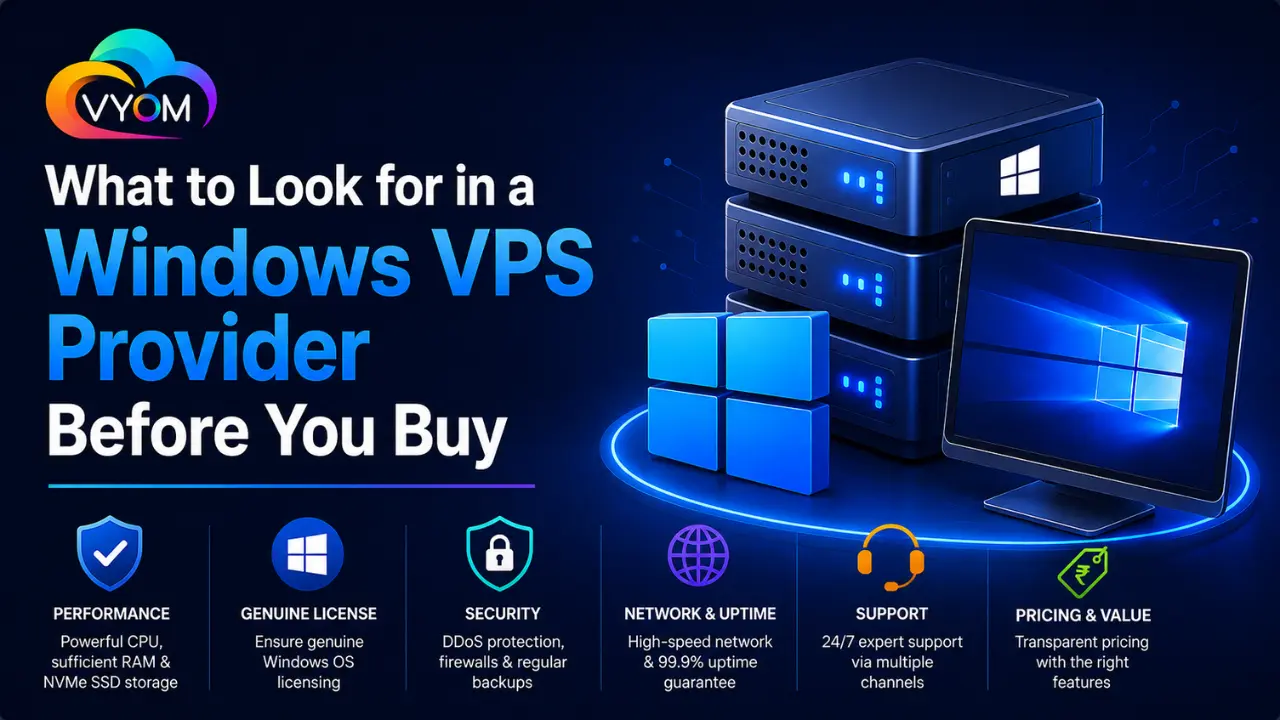
- What to Look for in a Windows VPS Provider Before You Buy
- 1. Check the Windows Server Version
- 2. Look at CPU and RAM
- 3. Choose SSD or NVMe Storage
- 4. Test RDP Performance
- 5. Evaluate Network Speed and Bandwidth
- 6. Check Uptime and Reliability
- 7. Understand the Backup Policy
- 8. Check Security Features
- 9. Evaluate Customer Support
- 10. Compare Pricing Carefully
- 11. Check Scalability
- 12. Look at Data Center Locations
- Windows VPS Provider Checklist
- Final Verdict
- Related Reading
- FAQs
- What is the most important factor when choosing a Windows VPS provider?
- How much RAM should a Windows VPS have?
- Is RDP included with a Windows VPS?
- Should I choose SSD or NVMe storage?
- Is Windows VPS hosting more expensive than Linux VPS?
- Do I need DDoS protection for a Windows VPS?
- Can I upgrade my Windows VPS later?
- Should I choose a managed Windows VPS?
What to Look for in a Windows VPS Provider Before You Buy
Choosing a Windows VPS provider isn’t simply about finding the cheapest monthly plan. A good provider should give you reliable performance, genuine Windows licensing, fast RDP access, strong network connectivity, useful support, and enough flexibility to grow.
Windows VPS hosting is particularly useful for businesses, developers, remote applications, ASP.NET projects, databases, and software that requires a Windows environment. But providers can differ considerably in how they configure and support their servers.
Before you purchase a Windows VPS, here are the most important factors to evaluate.
1. Check the Windows Server Version
Start by checking which Windows Server versions the provider offers.
Depending on your application requirements, you may need a particular Windows Server release. Also check whether the operating system is properly licensed and whether the license cost is included in the VPS price.
A surprisingly low VPS price may look attractive until you discover that important licensing or management costs are excluded.
2. Look at CPU and RAM
Windows Server generally requires more resources than many lightweight Linux environments. That’s why RAM and CPU should be carefully considered before purchasing.
For basic workloads, 2–4 vCPUs and 4 GB RAM may be a reasonable starting point. Applications, databases, development environments, and multiple users may require 8 GB, 16 GB, or more.
Don’t choose a plan purely because it has a high number of CPU cores. Look at the complete resource allocation and understand whether the provider uses shared or dedicated CPU resources.
3. Choose SSD or NVMe Storage
Storage affects more than just how many files you can keep.
Traditional HDD storage can become a bottleneck for Windows applications, databases, and frequent read/write operations. SSD storage generally provides better performance, while NVMe can offer even faster storage operations on compatible infrastructure.
Before buying, check:
- Storage capacity
- SSD or NVMe type
- Disk performance
- Upgrade options
- Backup storage
For most modern Windows VPS workloads, SSD or NVMe is preferable.
4. Test RDP Performance
RDP is one of the primary reasons people choose Windows VPS hosting.
A provider should offer a stable remote desktop experience with low latency and reliable connectivity.
RDP performance depends on more than server specifications. Data center location, network quality, routing, CPU performance, and the number of concurrent users can all affect your experience.
If possible, choose a provider with a data center close to your primary users.
5. Evaluate Network Speed and Bandwidth
A powerful VPS is of little use if its network connection is unreliable.
Look for information about:
- Port speed
- Monthly bandwidth
- Network uptime
- IPv4 availability
- IPv6 support
- Network redundancy
- DDoS protection
If you’re hosting websites, APIs, remote applications, or downloading large files, bandwidth and network performance become especially important.
6. Check Uptime and Reliability
Your Windows VPS should remain available when your customers or applications need it.
Look for providers that publish uptime commitments and explain their infrastructure.
However, don’t rely solely on a percentage displayed on a sales page. Search for independent customer feedback and examine how the provider handles outages.
A reliable provider should have redundant power, networking, and infrastructure where appropriate.
7. Understand the Backup Policy
Backups are often overlooked until something goes wrong.
Before purchasing a Windows VPS, determine:
- Whether backups are included
- How frequently backups are created
- How long backups are retained
- Whether backups are stored separately
- How restoration works
- Whether backup restoration costs extra
For business-critical applications, maintaining an independent backup is also a smart precaution.
8. Check Security Features
A Windows VPS connected directly to the internet needs proper security.
Look for providers that offer features such as:
- DDoS protection
- Network firewalls
- Secure data centers
- Private networking
- Regular infrastructure maintenance
- Security monitoring
After deployment, you should still configure Windows Firewall, apply security updates, use strong credentials, and disable unnecessary services.
9. Evaluate Customer Support
Technical support can make a huge difference when you’re dealing with a server problem.
Before signing up, check:
- Support availability
- Ticket response times
- Live chat availability
- Emergency support
- Knowledge base
- Server troubleshooting assistance
Also determine what the provider actually supports. Some companies only handle infrastructure issues, while managed VPS providers may assist with operating-system administration.
10. Compare Pricing Carefully
Don’t compare Windows VPS plans using the headline price alone.
Calculate the complete monthly cost, including:
- Windows licensing
- Backups
- Additional IP addresses
- Control panels
- Managed services
- Extra storage
- Additional bandwidth
A slightly more expensive plan can provide significantly better value if it includes essential services.
11. Check Scalability
Your requirements may change as your website or application grows.
A good Windows VPS provider should make it relatively easy to upgrade CPU, RAM, storage, or bandwidth.
Ideally, you shouldn’t have to migrate your entire application to a new server every time you need additional resources.
Ask about upgrade procedures and whether upgrades require downtime.
12. Look at Data Center Locations
Choose a data center close to your target audience whenever practical.
For example, if most of your users are in India, an Indian data center can potentially provide lower latency than a server located on another continent.
Location also matters for compliance, data residency, and application performance.
Windows VPS Provider Checklist
Before purchasing, compare providers using this checklist:
- Windows Server licensing
- RDP availability
- CPU and RAM
- SSD/NVMe storage
- Network speed
- Bandwidth
- IPv4/IPv6
- DDoS protection
- Backup options
- Uptime
- Customer support
- Data center location
- Upgrade options
- Overall monthly cost
Final Verdict
The best Windows VPS provider isn’t necessarily the one offering the lowest price. Your priority should be reliable infrastructure, legitimate licensing, good RDP performance, appropriate resources, network quality, security, backups, and responsive support.
For a small project, a basic VPS may be sufficient. For business applications or production workloads, investing in better infrastructure and support can prevent expensive performance and downtime problems later.
Take the time to compare providers based on the complete package rather than focusing on CPU, RAM, or price alone. That approach will help you choose a Windows VPS that can support your current workload while leaving room for future growth.
Related Reading
What is VPS? A Detailed Guide to Virtual Private Servers
Best VPS Hosting in India 2026 | High Performance VPS by Vyom Cloud
Also Read:- How to Build Automation Workflows Using n8n
Let’s Get Social:
Facebook: https://www.facebook.com/vyomcloudnetwork/
LinkedIn: https://www.linkedin.com/company/vyomcloud/
Instagram: https://www.instagram.com/vyomcloud/
FAQs
What is the most important factor when choosing a Windows VPS provider?
Reliability should be one of the first considerations. Look at infrastructure quality, uptime, network performance, support, Windows licensing, and resource allocation rather than focusing only on price.
How much RAM should a Windows VPS have?
For basic workloads, 4 GB RAM can be a reasonable starting point. Applications running databases, multiple services, or several simultaneous users may require 8 GB, 16 GB, or more.
Is RDP included with a Windows VPS?
Most Windows VPS providers include RDP access because it is the standard method for remotely managing a Windows Server. Confirm the exact access provided before purchasing.
Should I choose SSD or NVMe storage?
NVMe is generally preferable when available because it can provide higher storage performance. SSD storage is also suitable for many websites and business applications.
Is Windows VPS hosting more expensive than Linux VPS?
It can be. Windows Server licensing is an additional cost that is generally reflected in Windows VPS pricing. However, the exact difference depends on the provider and plan.
Do I need DDoS protection for a Windows VPS?
DDoS protection can be valuable if your VPS hosts a public website, API, application, or business service. Check whether basic protection is included or available as an additional service.
Can I upgrade my Windows VPS later?
Many providers allow upgrades to CPU, RAM, storage, or bandwidth. Check the provider’s upgrade policy before purchasing, particularly if you’re planning to run a growing application.
Should I choose a managed Windows VPS?
A managed Windows VPS can be worthwhile if you don’t want to handle server administration yourself. An unmanaged VPS may be better for experienced administrators who want greater control and lower costs.

One Response